






Word: Online Hunt
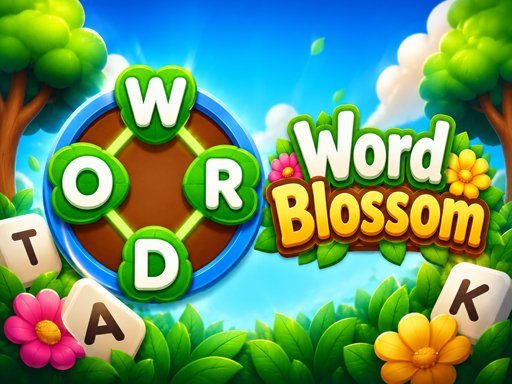
Word: Online Hunt Word: Online Hunt is a fun and addictive word search puzzle game where your goal is to find hidden words by dragging your mouse across the letters. Test your vocabulary, improve your concentration, and see how quickly you can discover every word hidden in the puzzle! Search carefully through the grid of letters and look for the words shown on the screen. When you find a word, simply click and drag your mouse over the letters in the correct order to form and select it. Words can be hidden horizontally, vertically, diagonally, and in different directions, so keep your eyes open and think carefully! As you progress, the puzzles become more challenging, putting your word-finding skills and observation to the test. Can you find all the hidden words before time runs out?
Advertisement
Game Information
- Mouse/Touchpad: Most HTML5 games use the mouse or touchpad for primary interactions. For example:
- Click: Click to select options, start the game, or perform actions like shooting or jumping.
- Drag and Drop: For games involving dragging elements, hold the left mouse button and move the mouse to drag objects.
- Keyboard: Some games might require keyboard input. Common controls include:
- Arrow Keys (↑, ↓, ←, →): Move your character, navigate menus, or control in-game movement.
- Spacebar: Often used for actions like jumping, shooting, or pausing the game.
- Enter/Return: Start the game or confirm selections.
- Esc: Pause the game or access the game menu.
- Game Objectives:
- Read the game’s objective, usually provided on the start screen or within a tutorial.
- Follow any in-game prompts or tutorials that guide you through the first few levels or actions.