

























Roblox World Builder
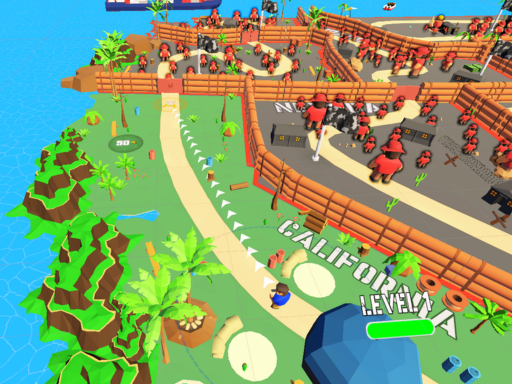
Roblox World Builder provides a free-form exploration and building experience—you’re not just an adventurer, but a world-builder! Inspired by Roblox-style gameplay, it includes fun minigames and interactive systems to keep moments engaging. You can collect wood, ore and fruits worldwide, construct armor and weapon shops, craft weapons to fight monsters, interact with NPCs to build relationships, complete guild missions for valuable rewards, and upgrade gear to enhance combat and survival.
Advertisement
Game Information
- Mouse/Touchpad: Most HTML5 games use the mouse or touchpad for primary interactions. For example:
- Click: Click to select options, start the game, or perform actions like shooting or jumping.
- Drag and Drop: For games involving dragging elements, hold the left mouse button and move the mouse to drag objects.
- Keyboard: Some games might require keyboard input. Common controls include:
- Arrow Keys (↑, ↓, ←, →): Move your character, navigate menus, or control in-game movement.
- Spacebar: Often used for actions like jumping, shooting, or pausing the game.
- Enter/Return: Start the game or confirm selections.
- Esc: Pause the game or access the game menu.
- Game Objectives:
- Read the game’s objective, usually provided on the start screen or within a tutorial.
- Follow any in-game prompts or tutorials that guide you through the first few levels or actions.