


















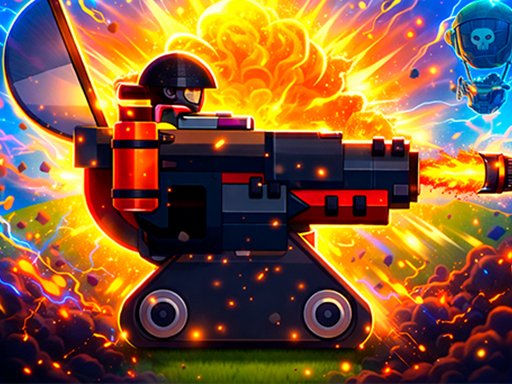




Fire Balls Shoot 3D
Ready. Aim. Smash. Welcome to the most satisfying destruction game on the store. Fire Dots 3D takes the simple joy of shooting and turns it into a high-speed test of timing and nerves. You’ve got a cannon, a stack of targets, and a whole lot of moving obstacles in your way. The Vibe: It’s like popping bubble wrap, but with explosions. Whether you have 30 seconds or 30 minutes, Fire Dots 3D provides that perfect flow state where the world disappears and it’s just you and the rhythm of the shot. The tower is waiting. The barriers are moving. Are you ready to fire? Download Fire Dots 3D now and start your smashing streak!
Advertisement
Game Information
- Mouse/Touchpad: Most HTML5 games use the mouse or touchpad for primary interactions. For example:
- Click: Click to select options, start the game, or perform actions like shooting or jumping.
- Drag and Drop: For games involving dragging elements, hold the left mouse button and move the mouse to drag objects.
- Keyboard: Some games might require keyboard input. Common controls include:
- Arrow Keys (↑, ↓, ←, →): Move your character, navigate menus, or control in-game movement.
- Spacebar: Often used for actions like jumping, shooting, or pausing the game.
- Enter/Return: Start the game or confirm selections.
- Esc: Pause the game or access the game menu.
- Game Objectives:
- Read the game’s objective, usually provided on the start screen or within a tutorial.
- Follow any in-game prompts or tutorials that guide you through the first few levels or actions.