































Diana S City Fashion...
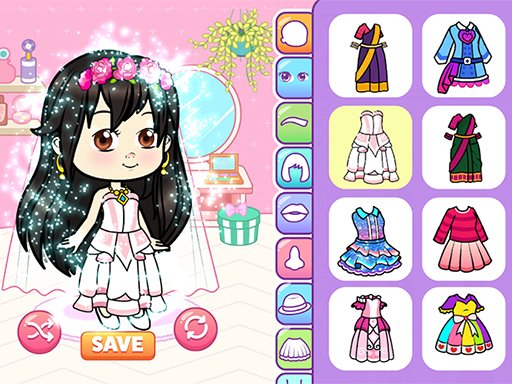
Enter a vibrant world of style and creativity in Dianas City Fashion Beauty! This all-in-one fashion experience blends dress-up, makeover, and fun mini-challenges into a dynamic simulation you won’t want to stop playing. From trendy outfits to full beauty transformations, every choice you make shapes your final score. Mix styles, experiment boldly, and create stunning looks that stand out in the city! Explore multiple areas packed with gameplay variety.
Advertisement
Game Information
- Mouse/Touchpad: Most HTML5 games use the mouse or touchpad for primary interactions. For example:
- Click: Click to select options, start the game, or perform actions like shooting or jumping.
- Drag and Drop: For games involving dragging elements, hold the left mouse button and move the mouse to drag objects.
- Keyboard: Some games might require keyboard input. Common controls include:
- Arrow Keys (↑, ↓, ←, →): Move your character, navigate menus, or control in-game movement.
- Spacebar: Often used for actions like jumping, shooting, or pausing the game.
- Enter/Return: Start the game or confirm selections.
- Esc: Pause the game or access the game menu.
- Game Objectives:
- Read the game’s objective, usually provided on the start screen or within a tutorial.
- Follow any in-game prompts or tutorials that guide you through the first few levels or actions.