























Color Pixel Flow
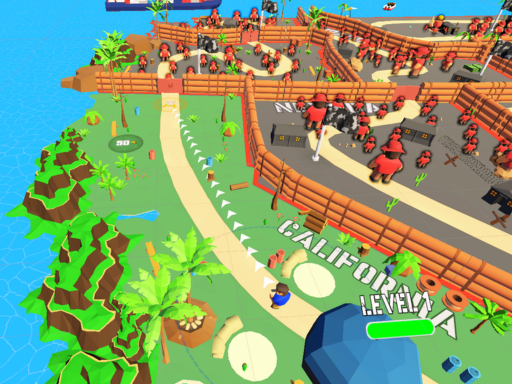
Send pigs onto the conveyor to rain balls onto matching pixel cubes. Each pig has a number above its head—this is its ammo and determines how many hits it delivers. Once a pig runs out, it leaves the stage. If it still has ammo left, it moves into one of five waiting slots and can be sent back onto the conveyor for another round. The conveyor has limited capacity, so timing matters—send too many pigs at once and you’ll have to wait. Choose the right order, manage the flow, and break down the cubes step by step. A simple, satisfying loop: tap → launch → clear → repeat.
Advertisement
Game Information
- Mouse/Touchpad: Most HTML5 games use the mouse or touchpad for primary interactions. For example:
- Click: Click to select options, start the game, or perform actions like shooting or jumping.
- Drag and Drop: For games involving dragging elements, hold the left mouse button and move the mouse to drag objects.
- Keyboard: Some games might require keyboard input. Common controls include:
- Arrow Keys (↑, ↓, ←, →): Move your character, navigate menus, or control in-game movement.
- Spacebar: Often used for actions like jumping, shooting, or pausing the game.
- Enter/Return: Start the game or confirm selections.
- Esc: Pause the game or access the game menu.
- Game Objectives:
- Read the game’s objective, usually provided on the start screen or within a tutorial.
- Follow any in-game prompts or tutorials that guide you through the first few levels or actions.